
Core answer
Reliable timing comes from controlled testing rather than constant adjustment. Hold the song, device, audio route, and team steady while you isolate one problem at a time.
Create a repeatable test chart
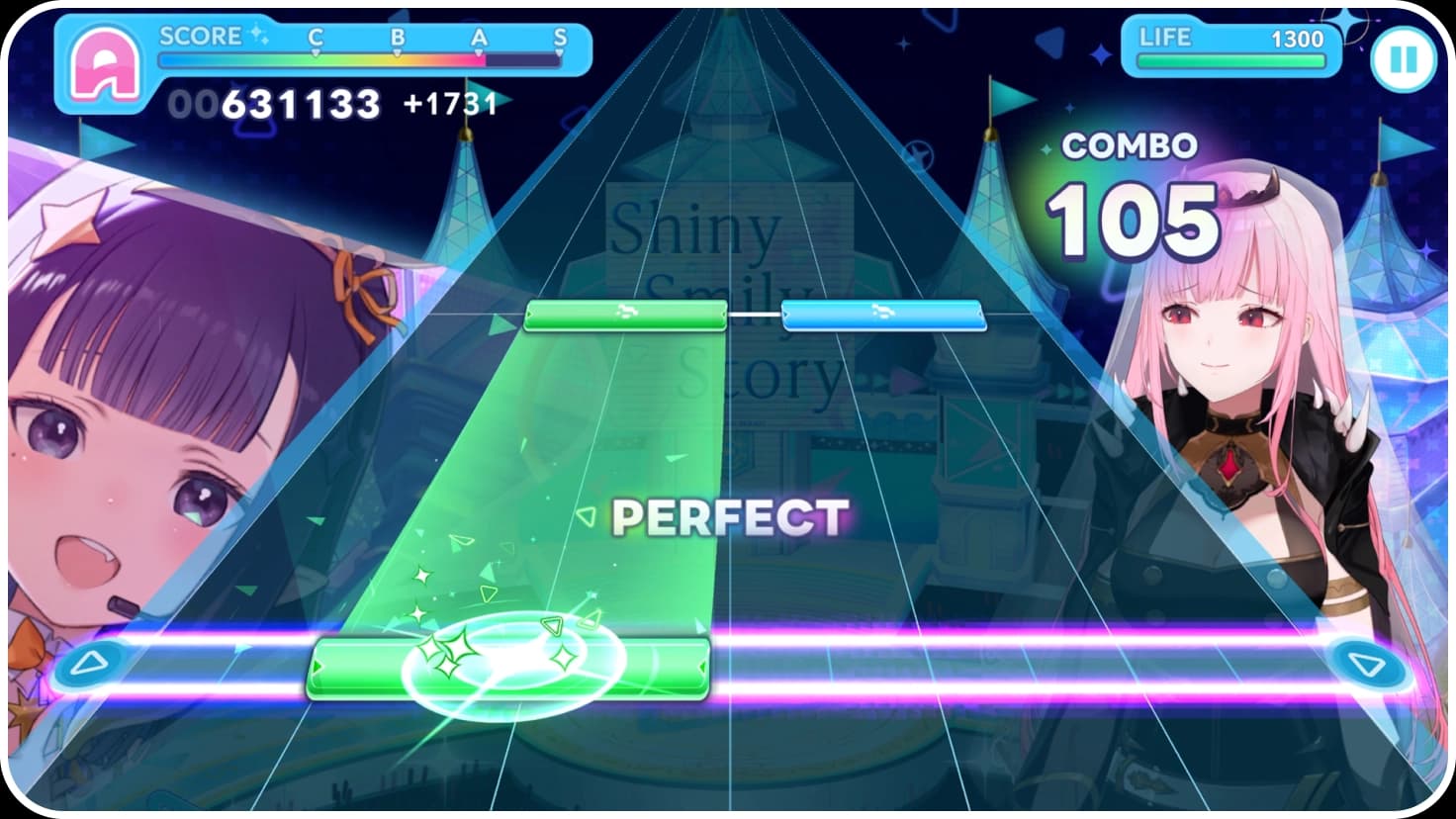
Choose a song whose rhythm and vocal phrasing you already know, then select a difficulty you can clear without panic. The goal is not a personal best. It is a clean sample that reveals whether misses cluster in the same places. Keep the same team so score effects do not distract from the input pattern.
- Use one familiar song and one comfortable difficulty.
- Keep the same device orientation, input method, and audio output.
- Play the chart twice before changing a setting.
- Notice whether errors are consistently early, late, or tied to dense sections.
Separate note speed from timing offset
Note speed changes spacing and reading time; it does not repair audio or input delay. Increase speed when notes feel visually crowded and you are reacting to groups instead of individual beats. Decrease it when the lane moves faster than you can read. Adjust timing only when taps that feel aligned repeatedly register early or late.
- Change note speed by one small step.
- Replay the same chart and compare readability.
- Return to the previous speed if accuracy worsens without a clearer lane.
- Test timing offset separately only after the lane is comfortable.
Diagnose fast, slow, and miss patterns
A repeated early result can mean you are anticipating the sound, while repeated late results can point to audio delay, visual reaction, or a note speed that leaves too little reading time. Random misses often come from inconsistent posture, shifting hand position, background load, or chart sections that use a pattern you have not learned yet.
- Compare at least two runs, not one isolated result.
- Mark whether the same section produces the same error.
- Test speakers or wired audio if wireless playback is in use.
- Reduce background load if frame pacing feels uneven.
- Practice the pattern before making another global setting change.
Improve scoring after accuracy is stable
Score combines your rhythm result with the team and growth systems. First reduce avoidable misses, then compare team effects on the same chart. A higher team value cannot teach the physical pattern, while perfect timing practice cannot explain every score difference caused by leader, member, and board effects.
- Reach a repeatable clear with the same timing settings.
- Record a baseline score and miss count.
- Change one team position or displayed effect.
- Replay the chart and compare both score and accuracy.
- Keep the change only when you understand what improved.
Handle dense charts without losing the beat
Dense patterns are easier when you read groups around musical accents instead of chasing every object independently. Look slightly ahead of the judgment line, relax your hands, and use short practice sessions. If the background makes the lane harder to parse, reduce visual effects or other presentation options available in the current build before lowering every gameplay setting.
- Identify the musical pulse before focusing on individual notes.
- Keep your gaze above the judgment line.
- Practice one difficult section, then return to a full run.
- Stop when tension makes your inputs less consistent.
Prepare Create Chart tests carefully
Create Chart lets players make and share original charts. Begin with a short, rhythmically clear section and test the chart on the same setup used during editing. Check whether notes communicate the music, whether simultaneous inputs are realistic, and whether difficulty comes from an intentional pattern rather than unreadable density.
- Choose a short section with a clear beat.
- Place the main pulse before adding decoration.
- Test at normal speed on the target input method.
- Remove patterns that are difficult only because their intent is unclear.
- Share only material and formats permitted by the game.
Use a safe troubleshooting order
When timing suddenly changes, check the environment before rebuilding your settings. Confirm the audio output, frame rate, device load, and controller connection. On Steam, verify the installation if files are missing or the game no longer starts. Keep account, purchase, and service problems separate from rhythm calibration.
- Restart the game and confirm the selected audio device.
- Close heavy background tasks and retest the baseline chart.
- Reconnect or replace the input device if inputs drop.
- Use the platform's built-in integrity check when installation files are damaged.
- Return to the last known-good timing values before further adjustment.
Quick checks
Frequently asked questions
Should I change note speed or timing first?
Set note speed for visual readability first. Adjust timing only when repeated runs show a consistent early or late result.
Can wireless audio affect rhythm accuracy?
Yes. Bluetooth and other wireless routes can add delay. Compare speakers or wired audio before making a large timing change.
Why did my score change when accuracy looked similar?
Team position, character growth, and board effects can influence score. Compare one team change at a time on the same chart.
What makes a useful custom chart test?
Use a short section, a clear beat, the intended input method, and normal playback speed. Difficulty should come from readable musical patterns.